

Screenshot Gallery#
Explore the NexusLIMS CDCS interface. Use the arrows to browse the screenshots; select an image to open the full-page gallery. For detailed workflows, see the feature guides.
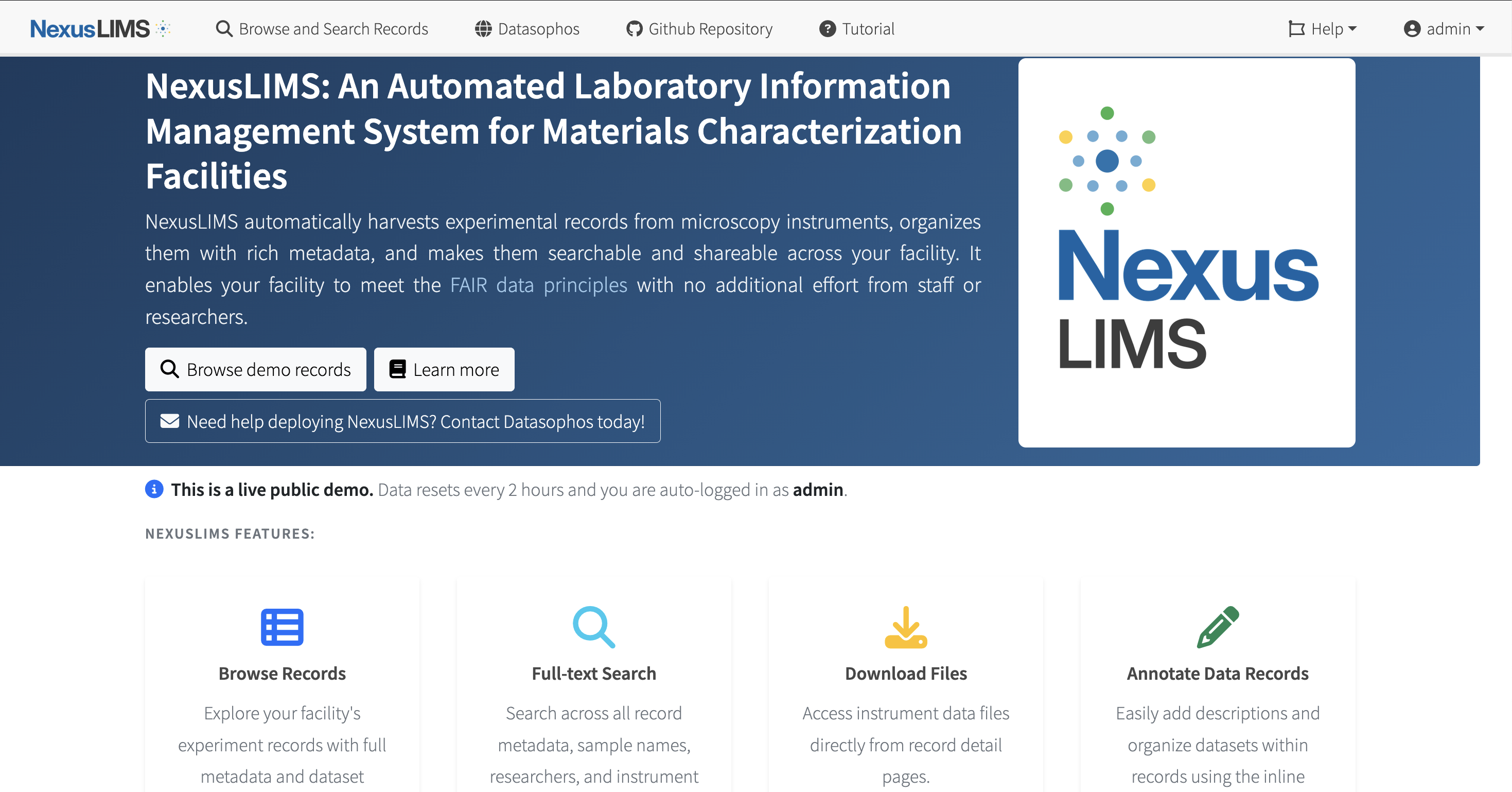
Homepage. Start exploring records and features from the CDCS homepage. Learn more.#
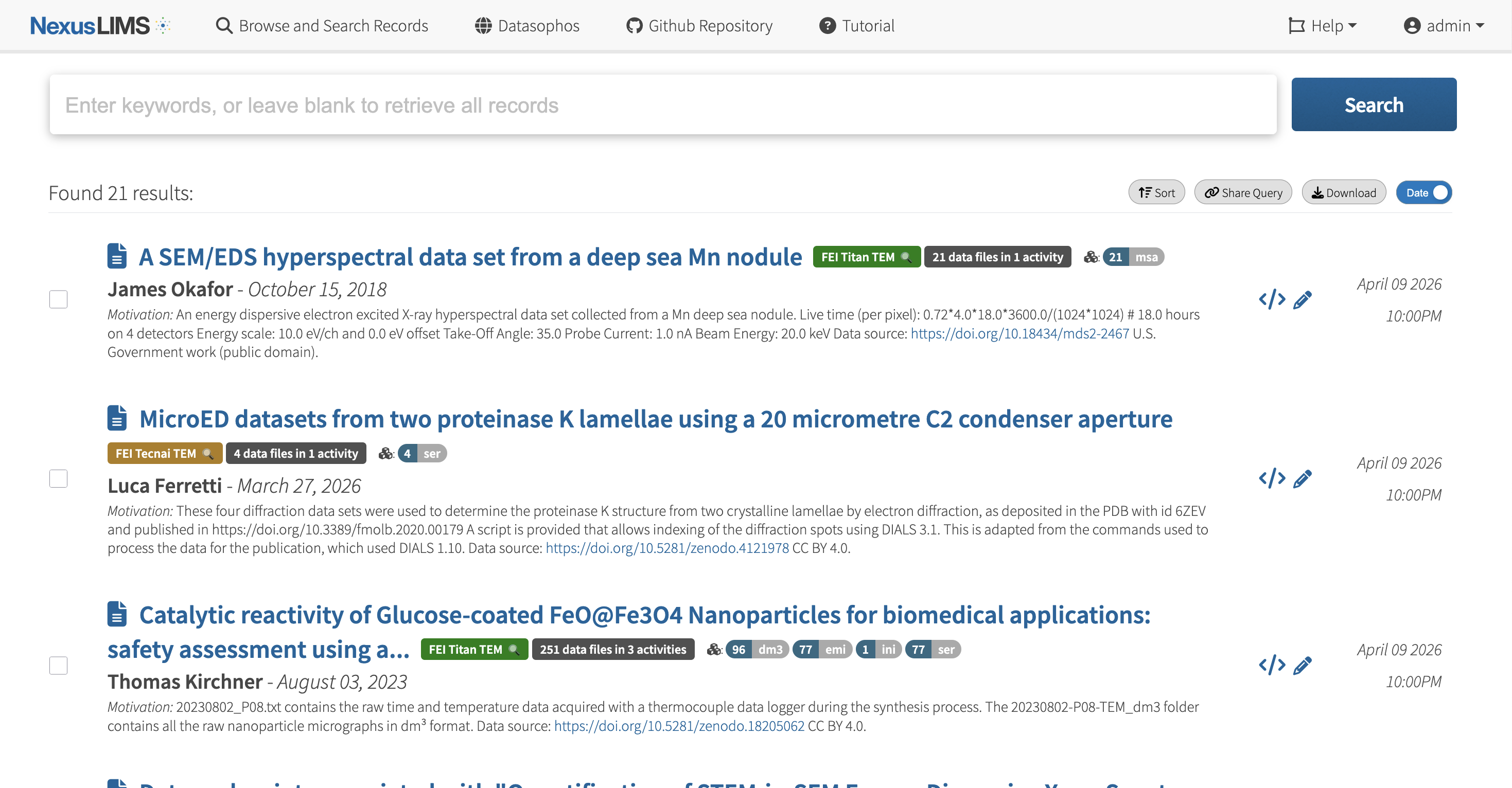
Explore records. Browse the records available to you in the explore interface. Learn more.#
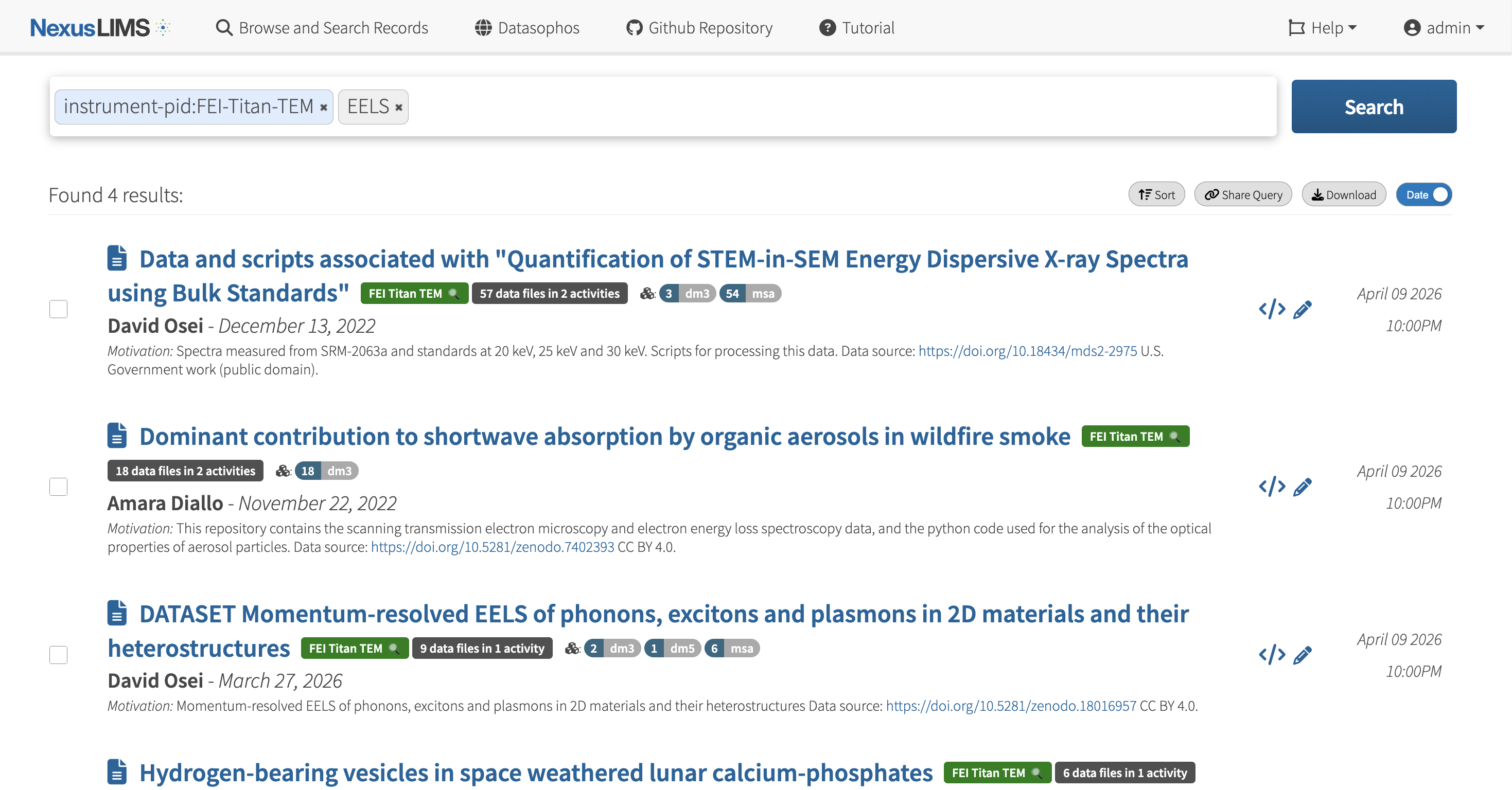
Keyword search. Search across experimental records using keywords. Learn more.#
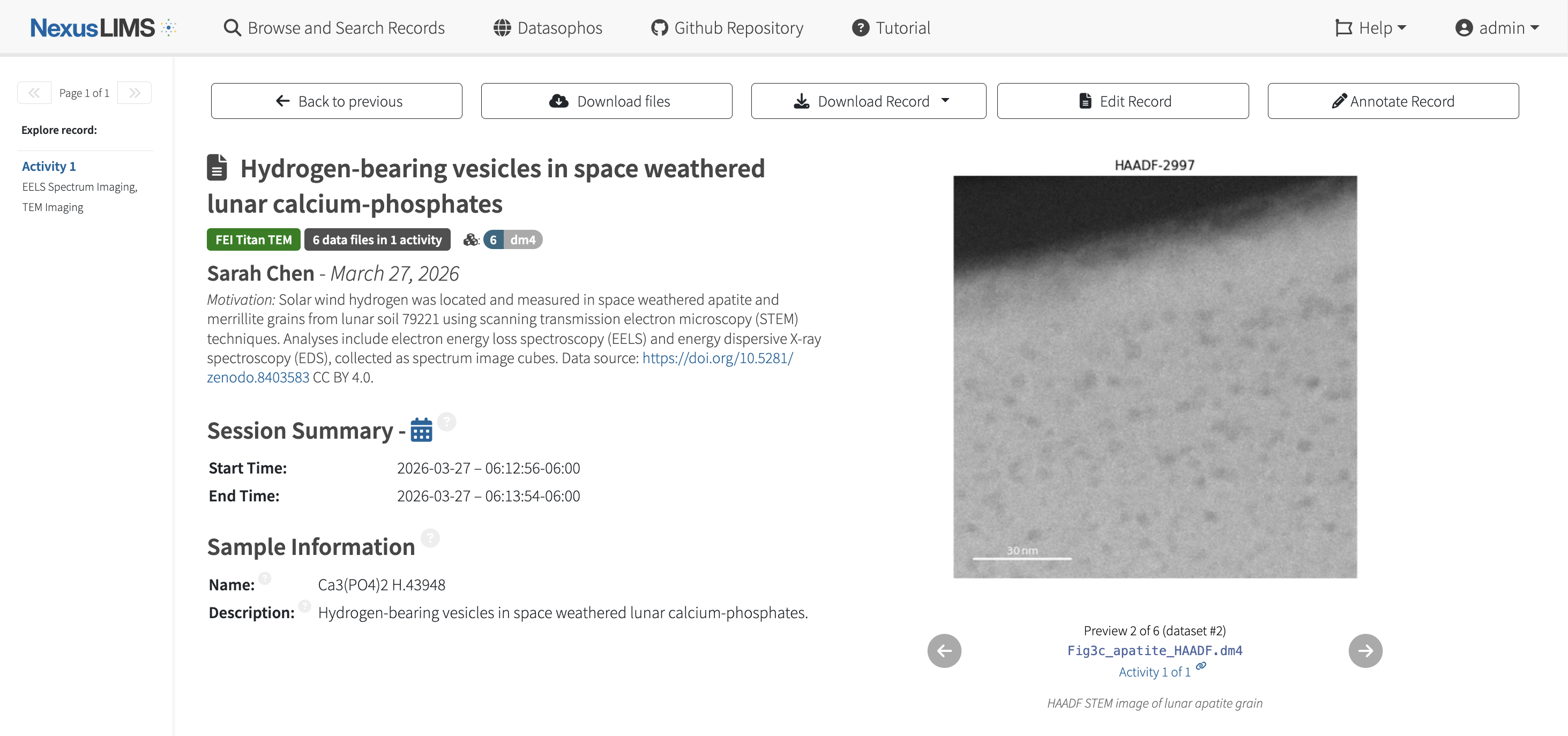
Record detail. View the record summary and its associated metadata. Learn more.#
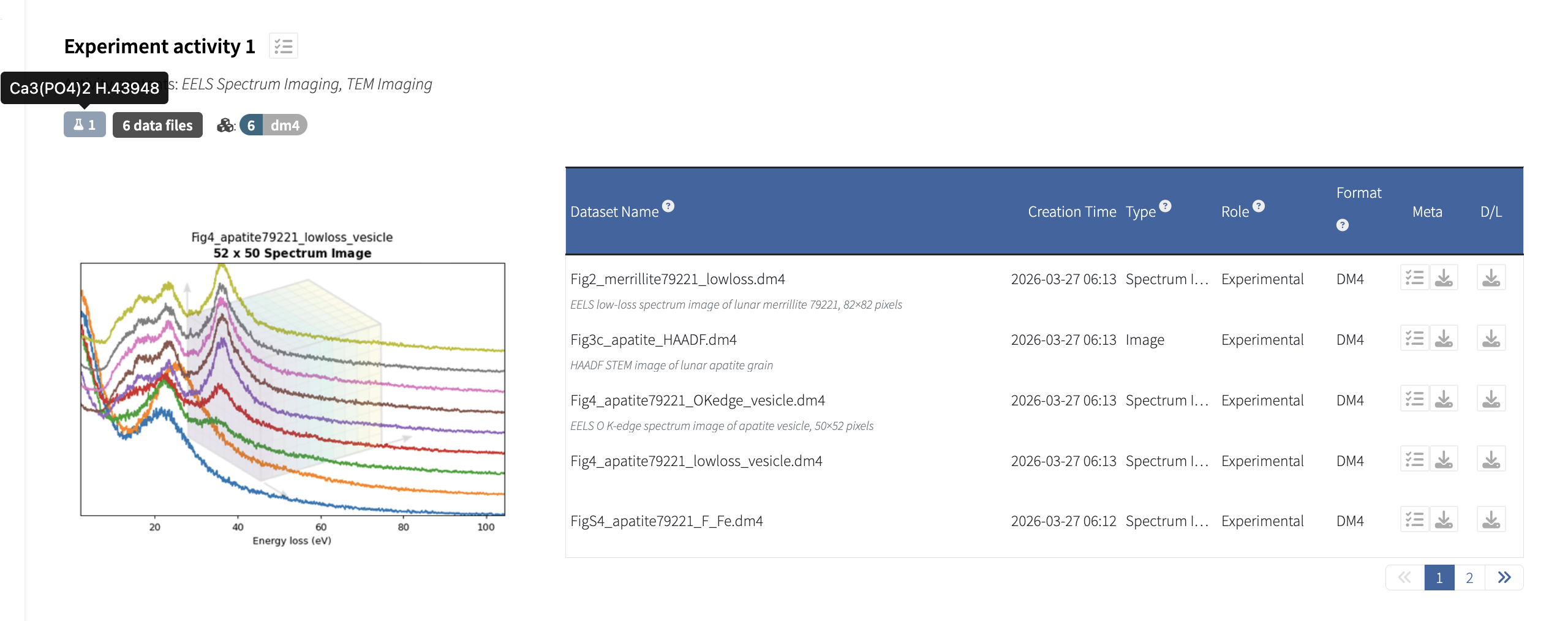
Acquisition activities. Inspect datasets grouped by acquisition activity and sample. Learn more.#
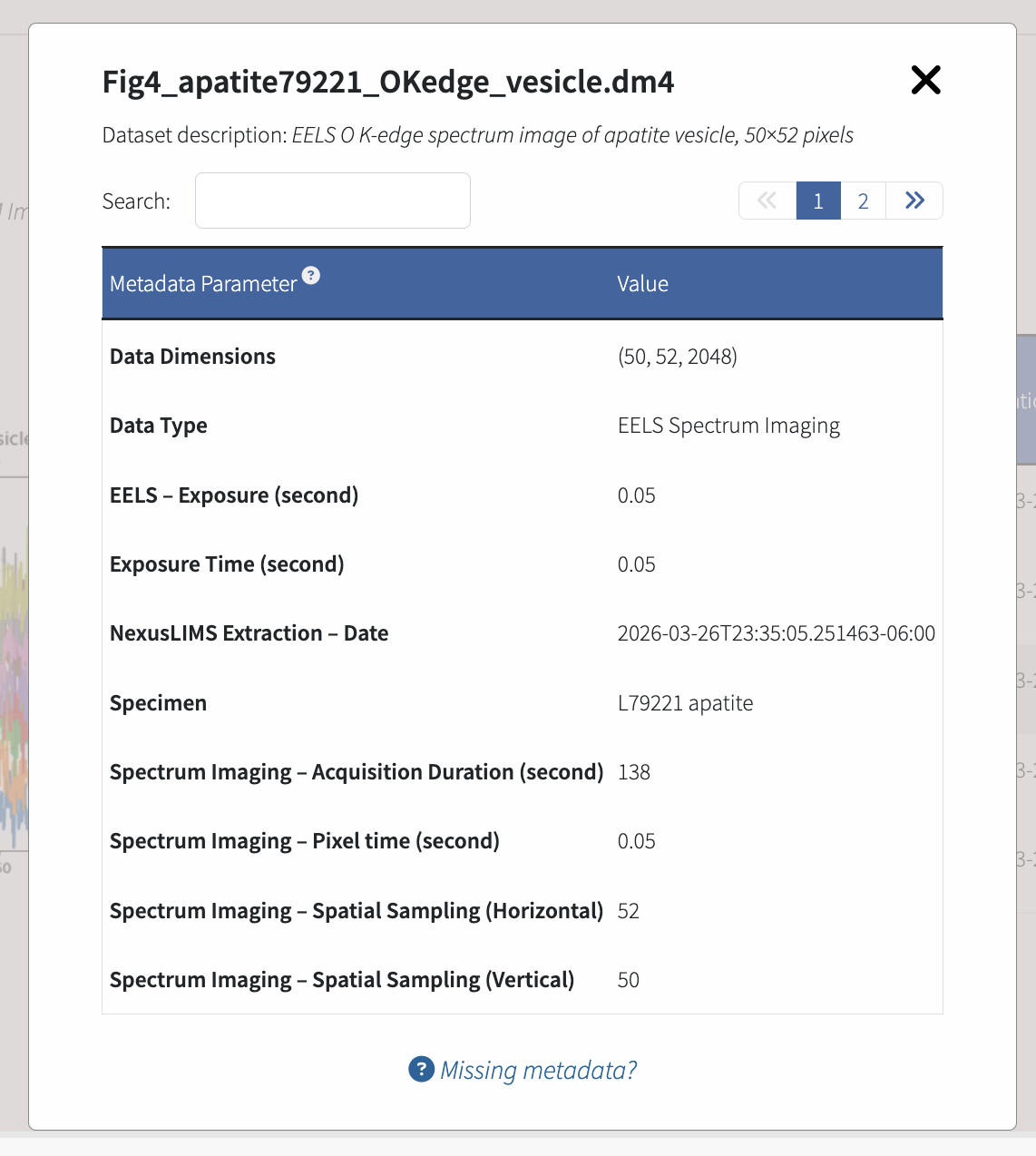
Dataset metadata. Display and filter technical metadata for individual datasets. Learn more.#
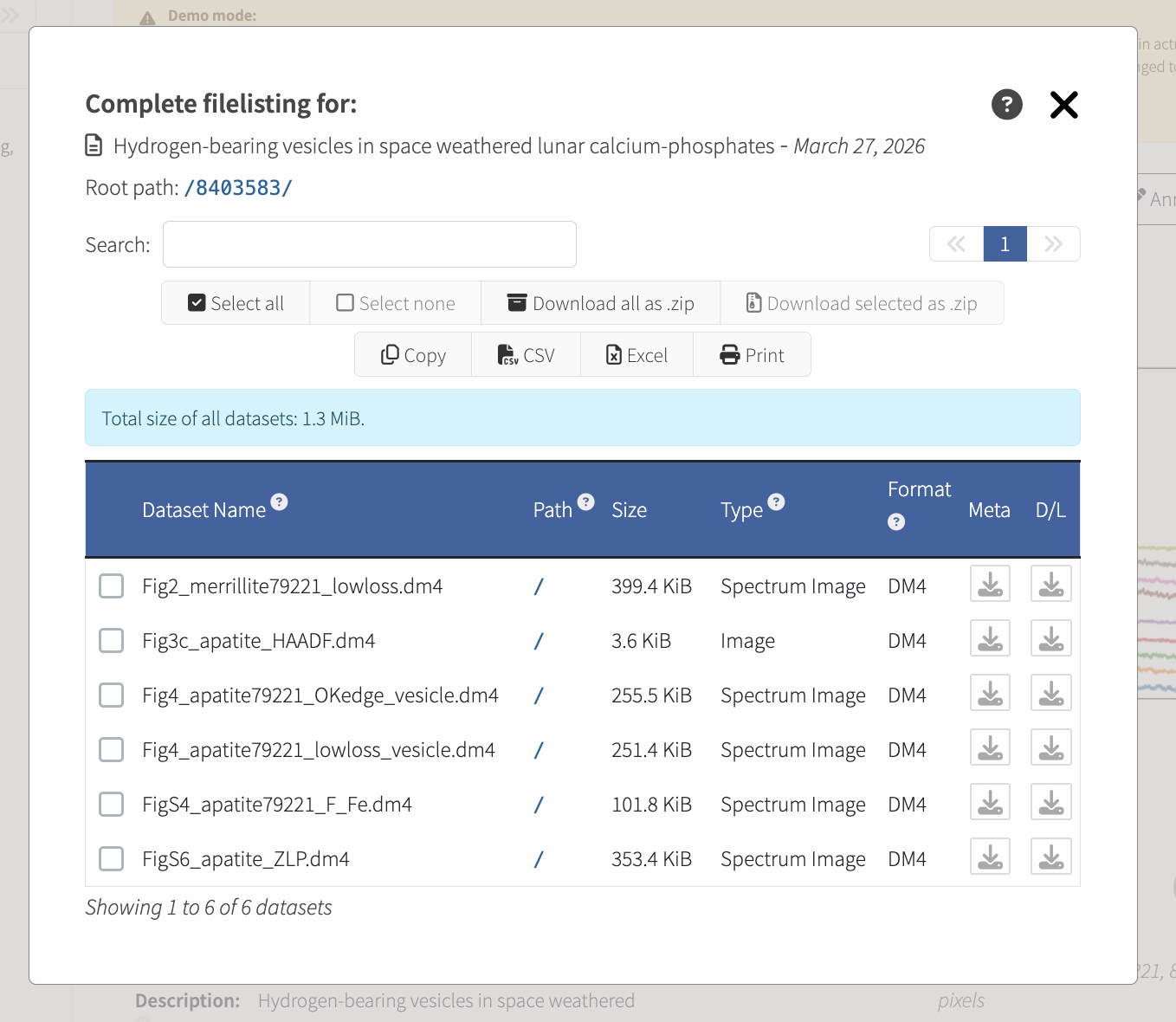
Download files. Select data files and metadata for bulk download. Learn more.#
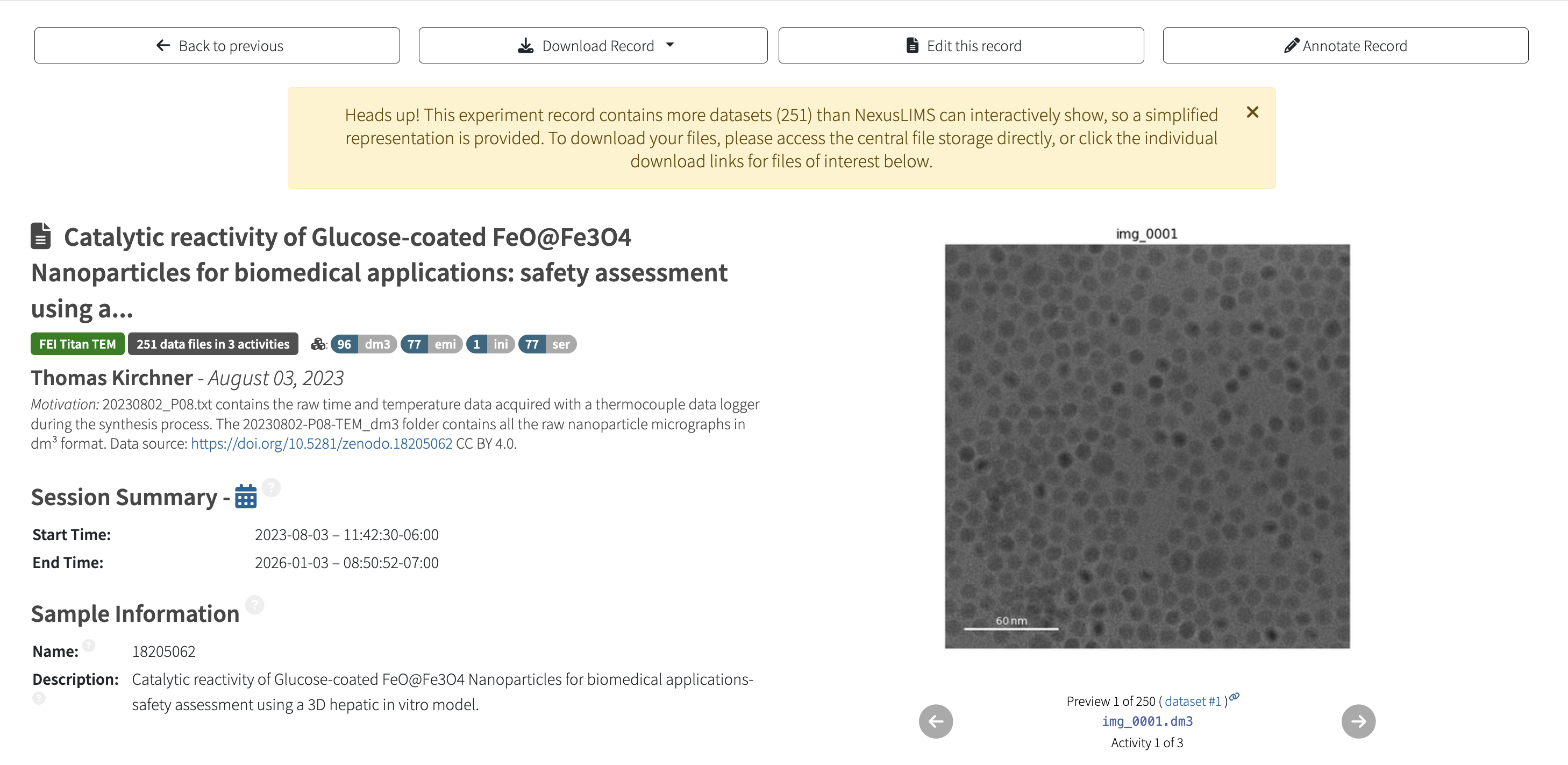
Large records. Use a simplified display for records with many datasets. Learn more.#
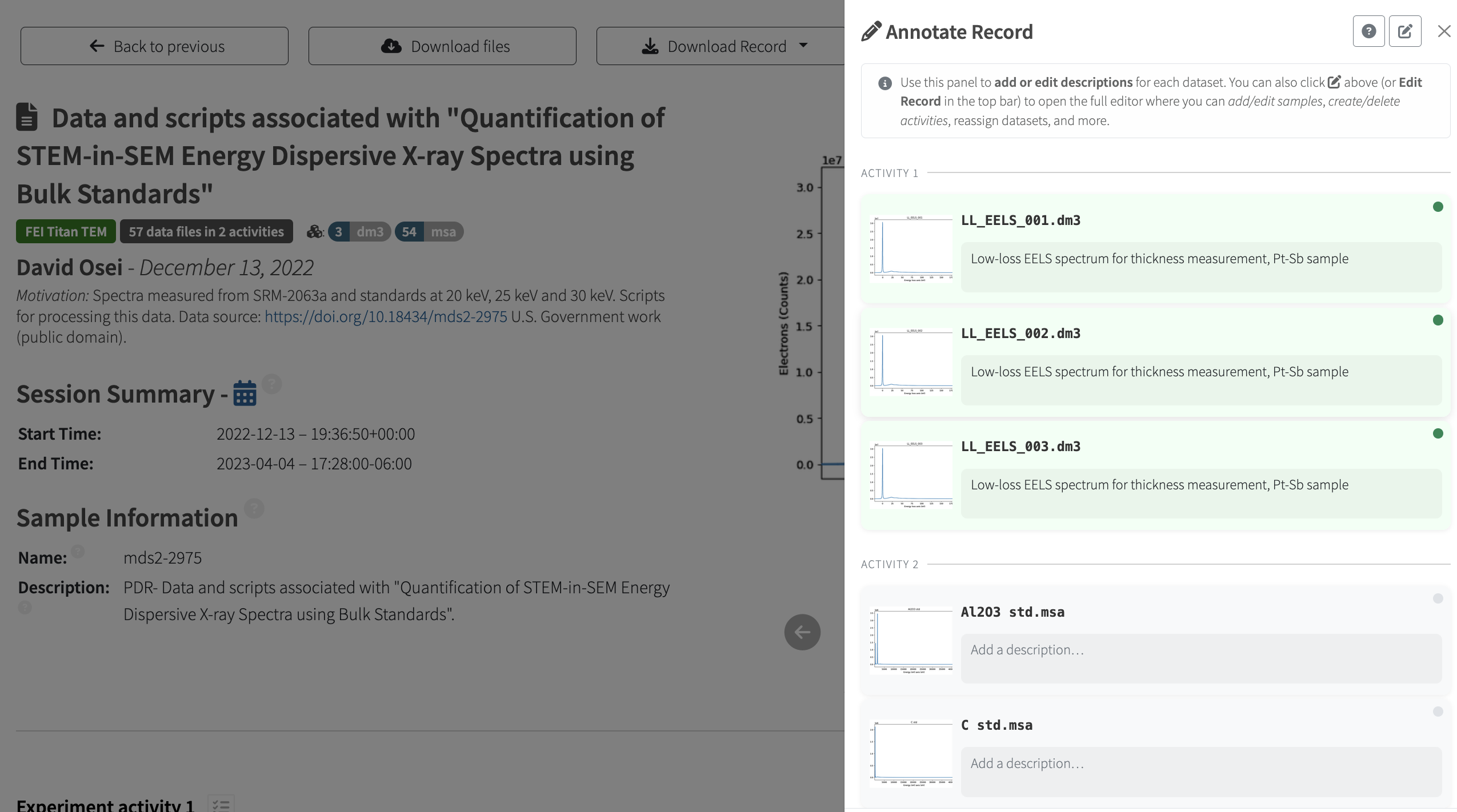
Annotate a record. Edit dataset descriptions in the annotation panel. Learn more.#
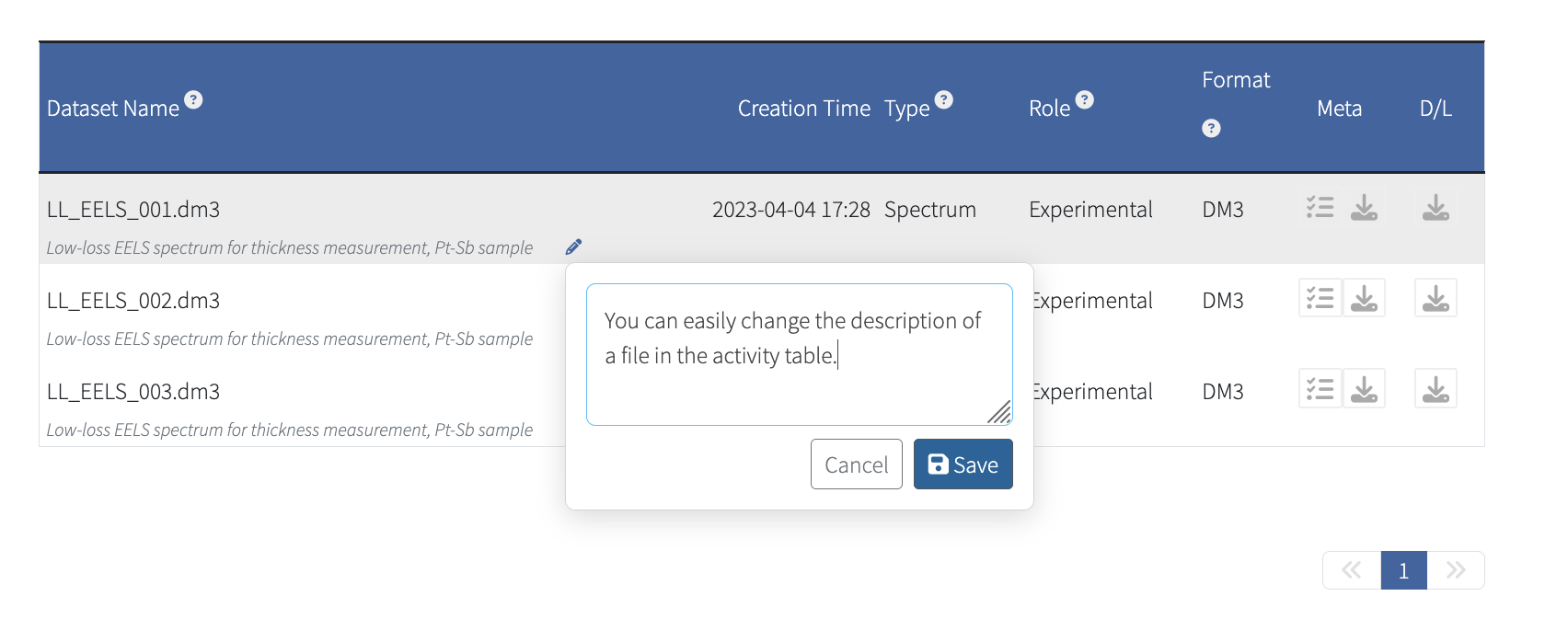
Inline editing. Edit an individual dataset description from the record detail view. Learn more.#
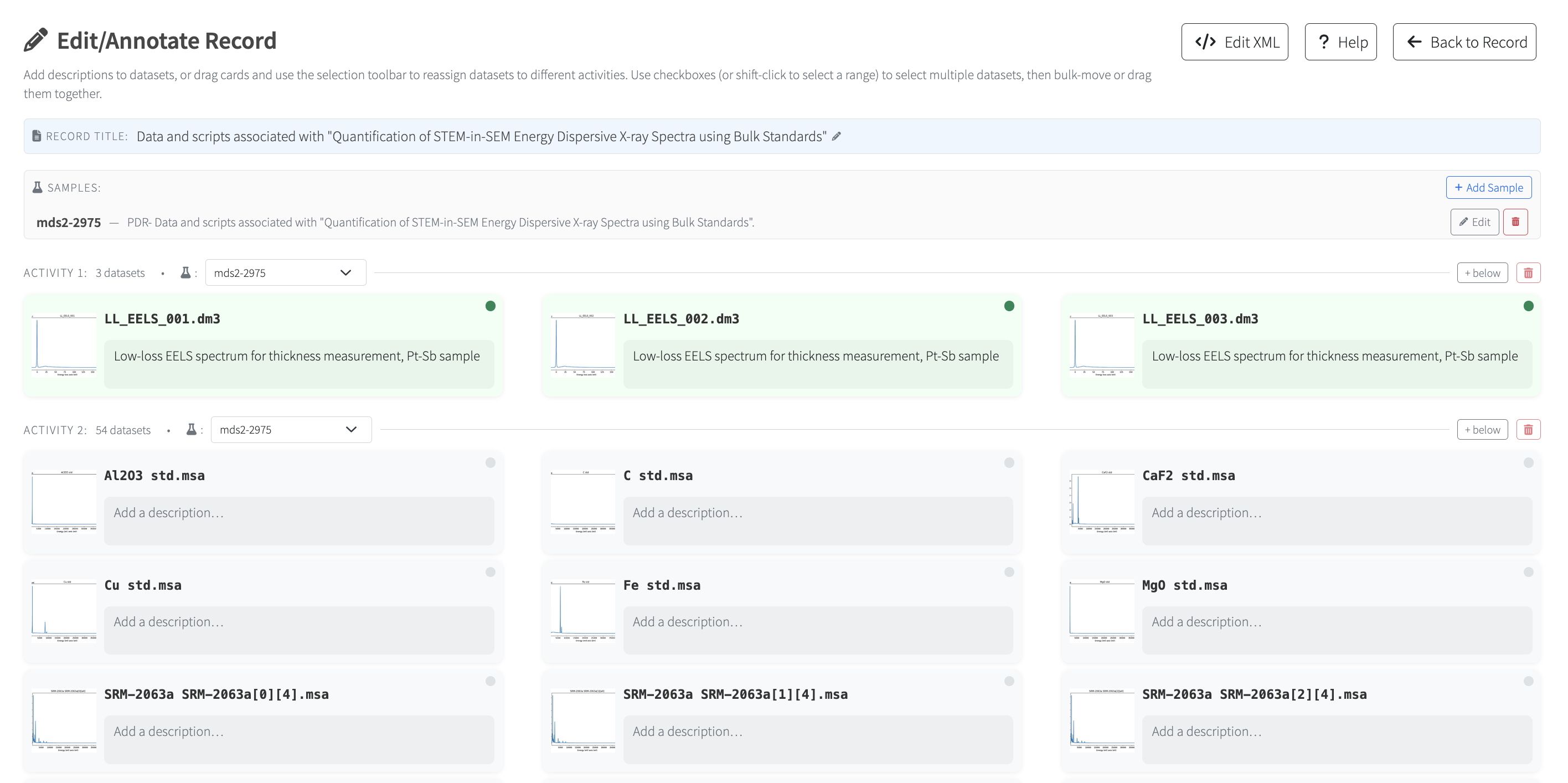
Full-page editor. Manage descriptions, samples, and acquisition activities in the expanded editor. Learn more.#
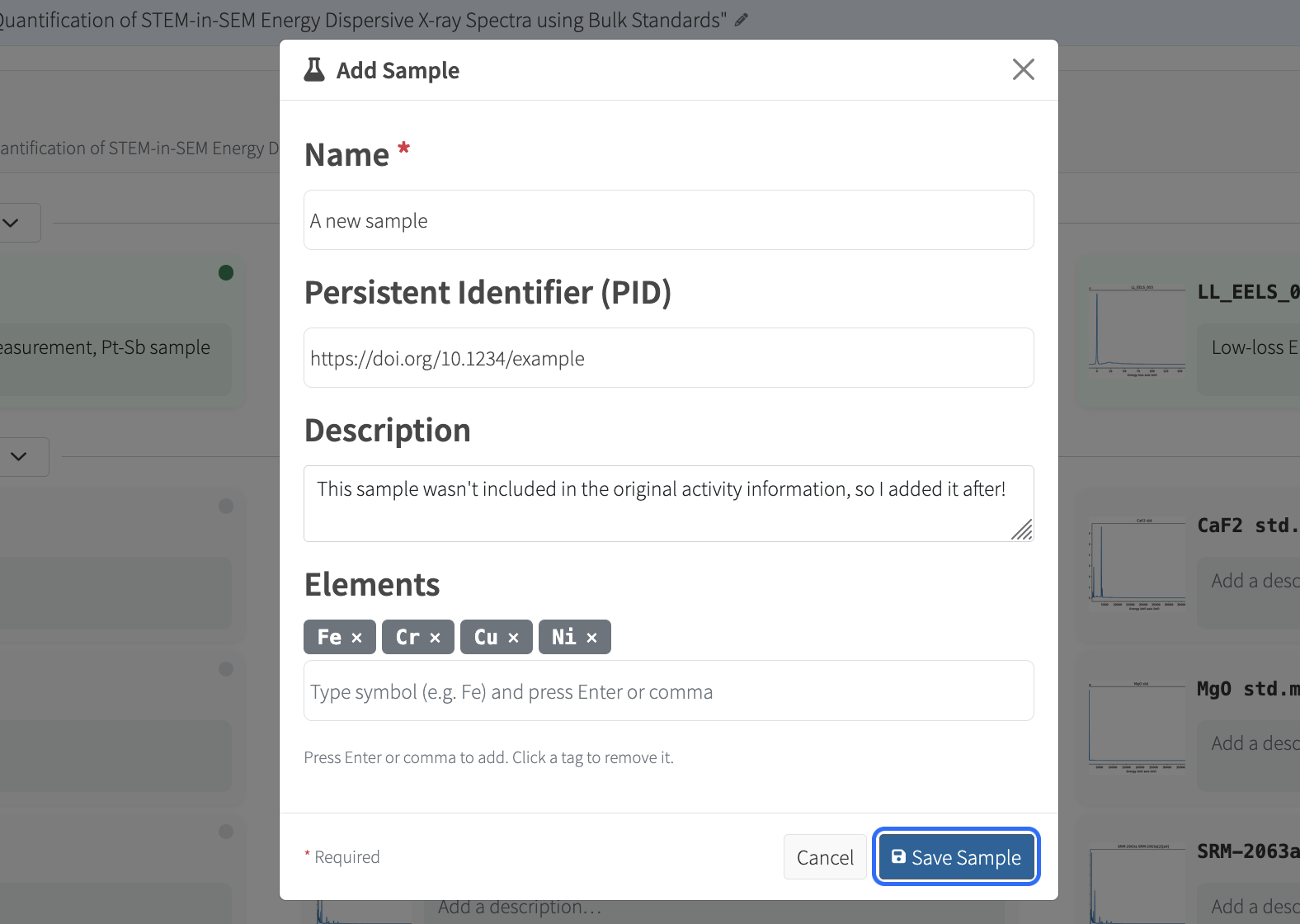
Sample management. Add and edit sample details and elemental composition. Learn more.#
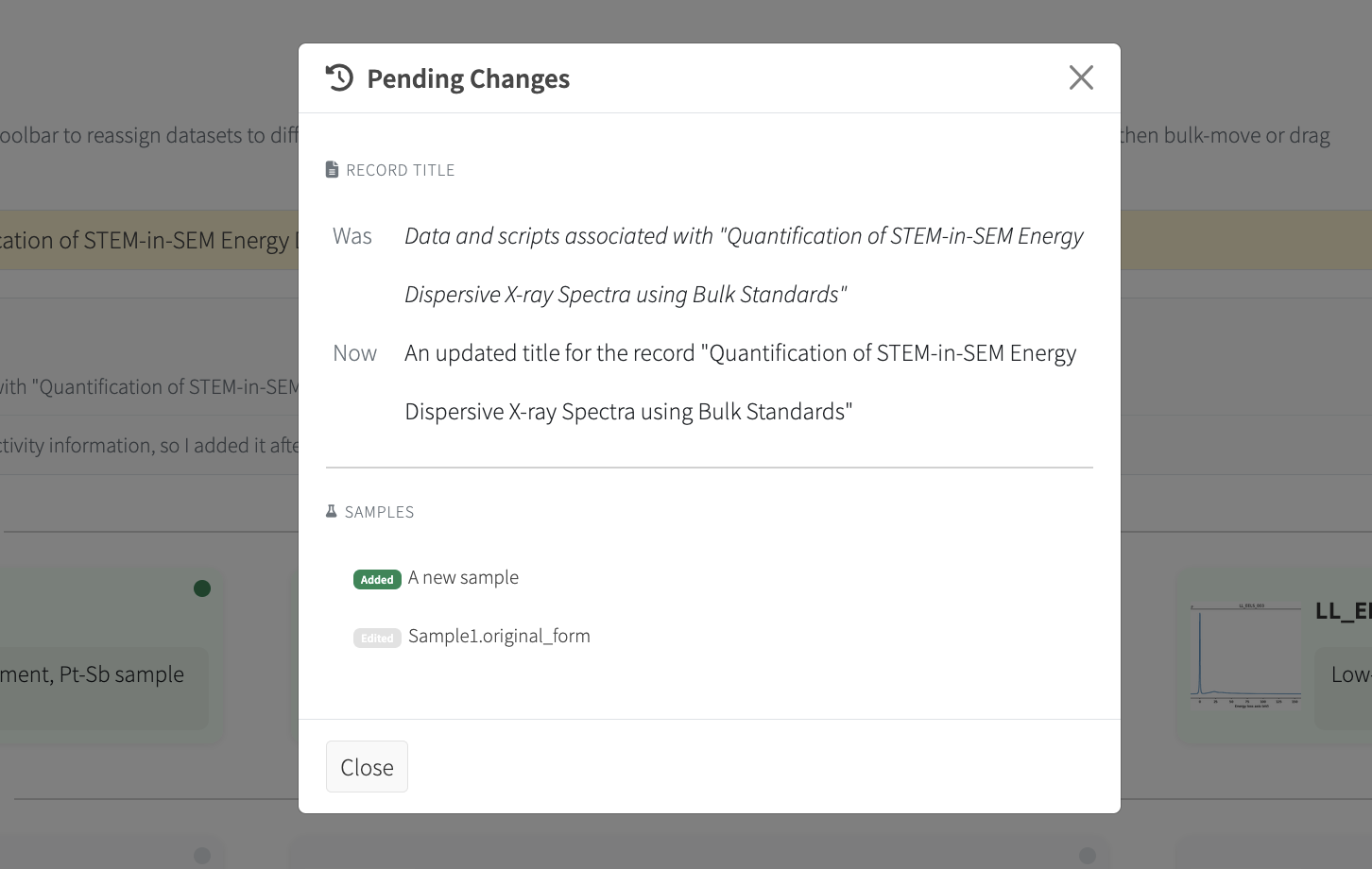
Review changes. Review pending record edits before saving. Learn more.#
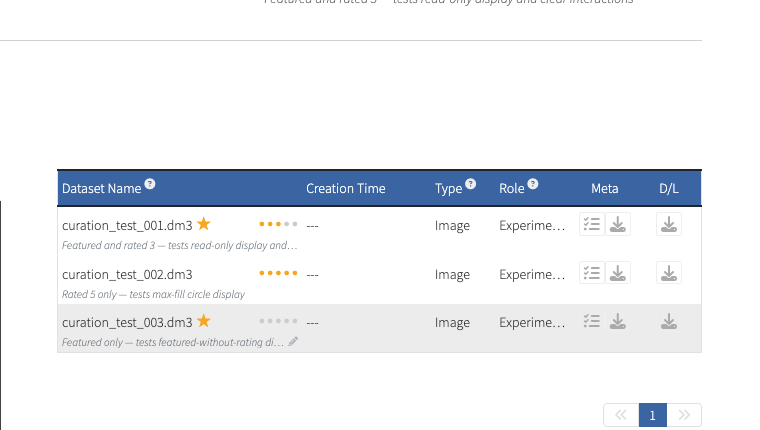
Rate and feature datasets. Curate datasets using ratings and featured status. Learn more.#
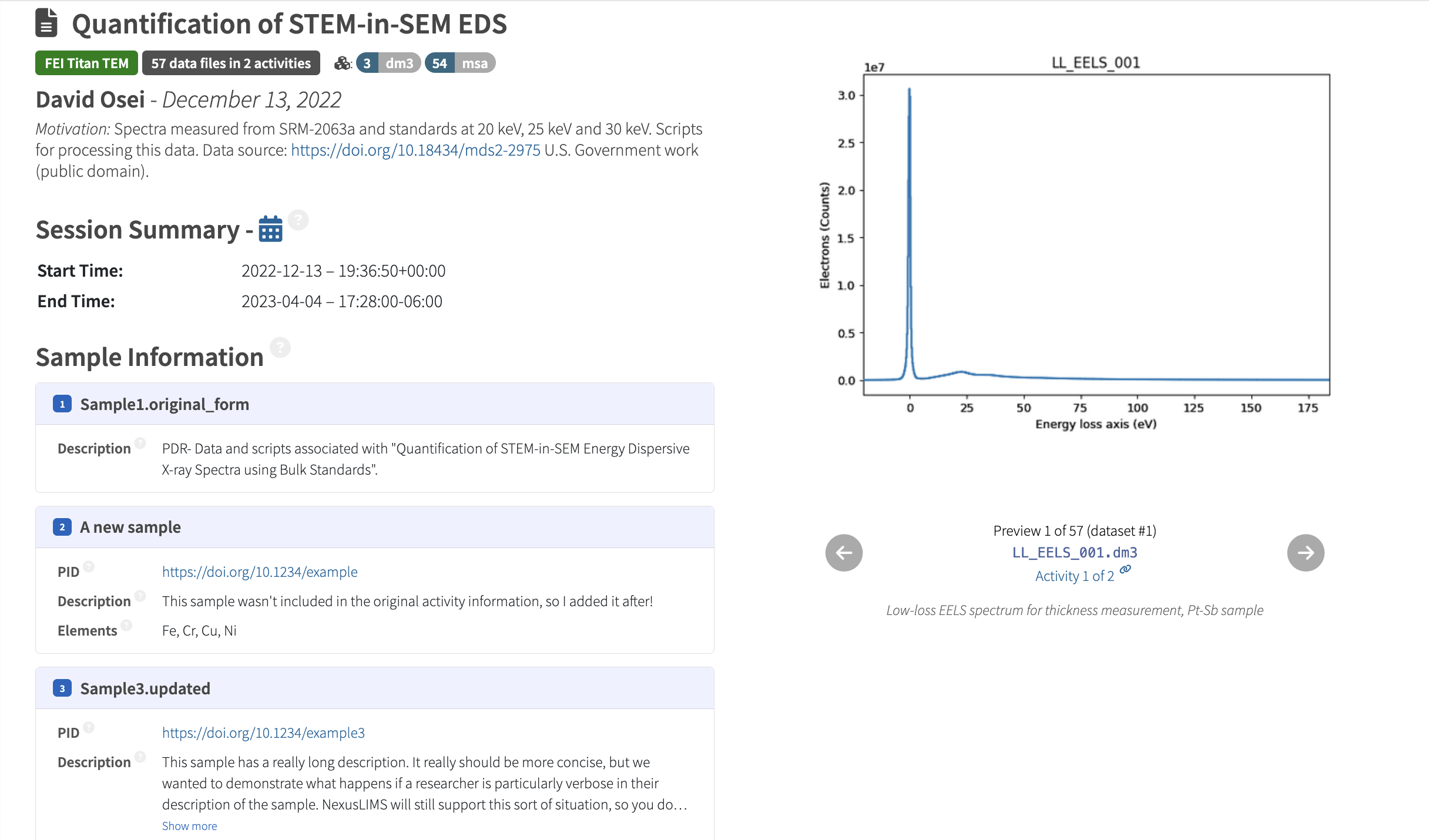
Multiple samples. View sample cards and their associated acquisition activities. Learn more.#
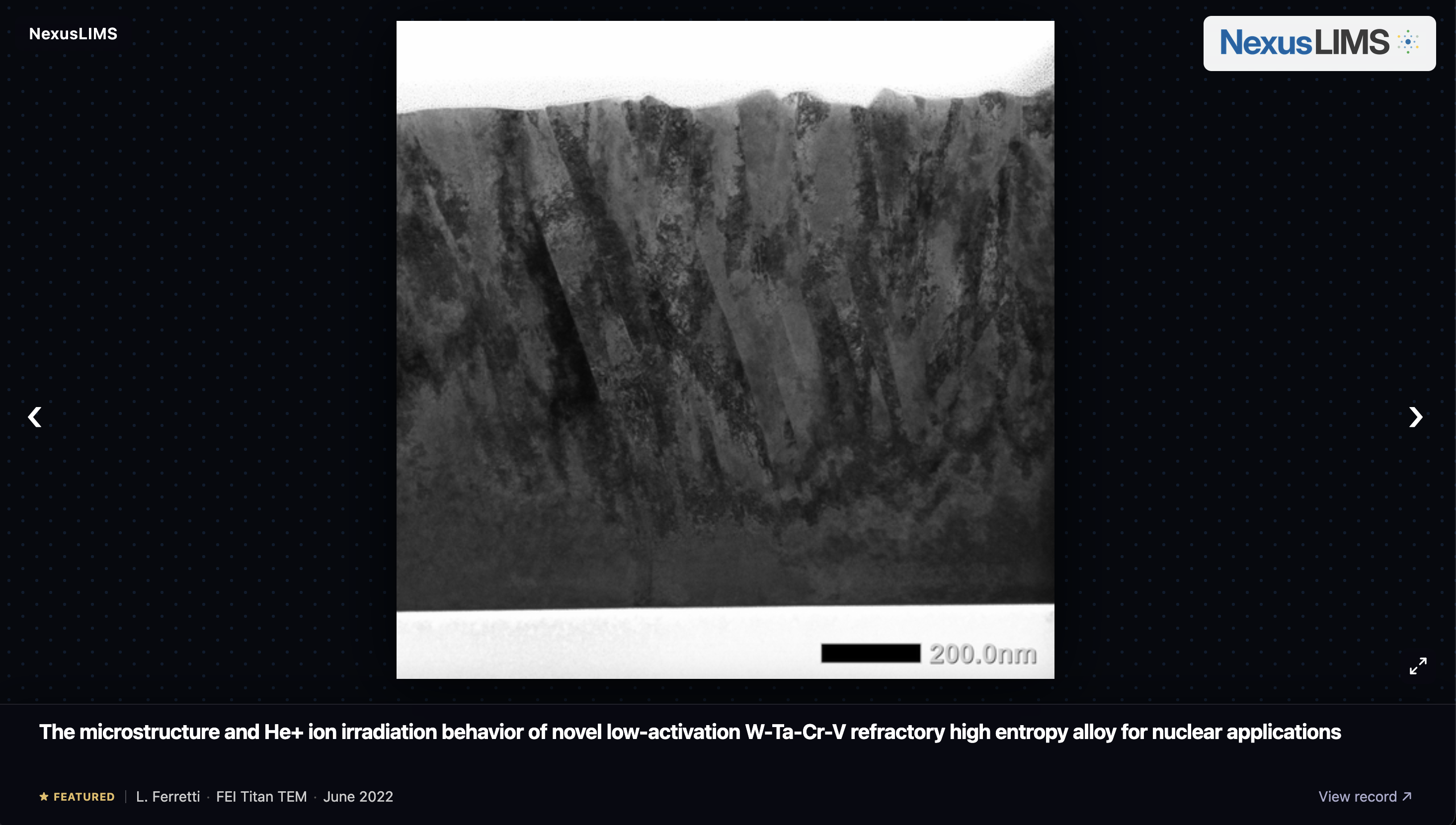
Public dataset gallery. Display preview images and record details on a rotating public gallery. Learn more.#
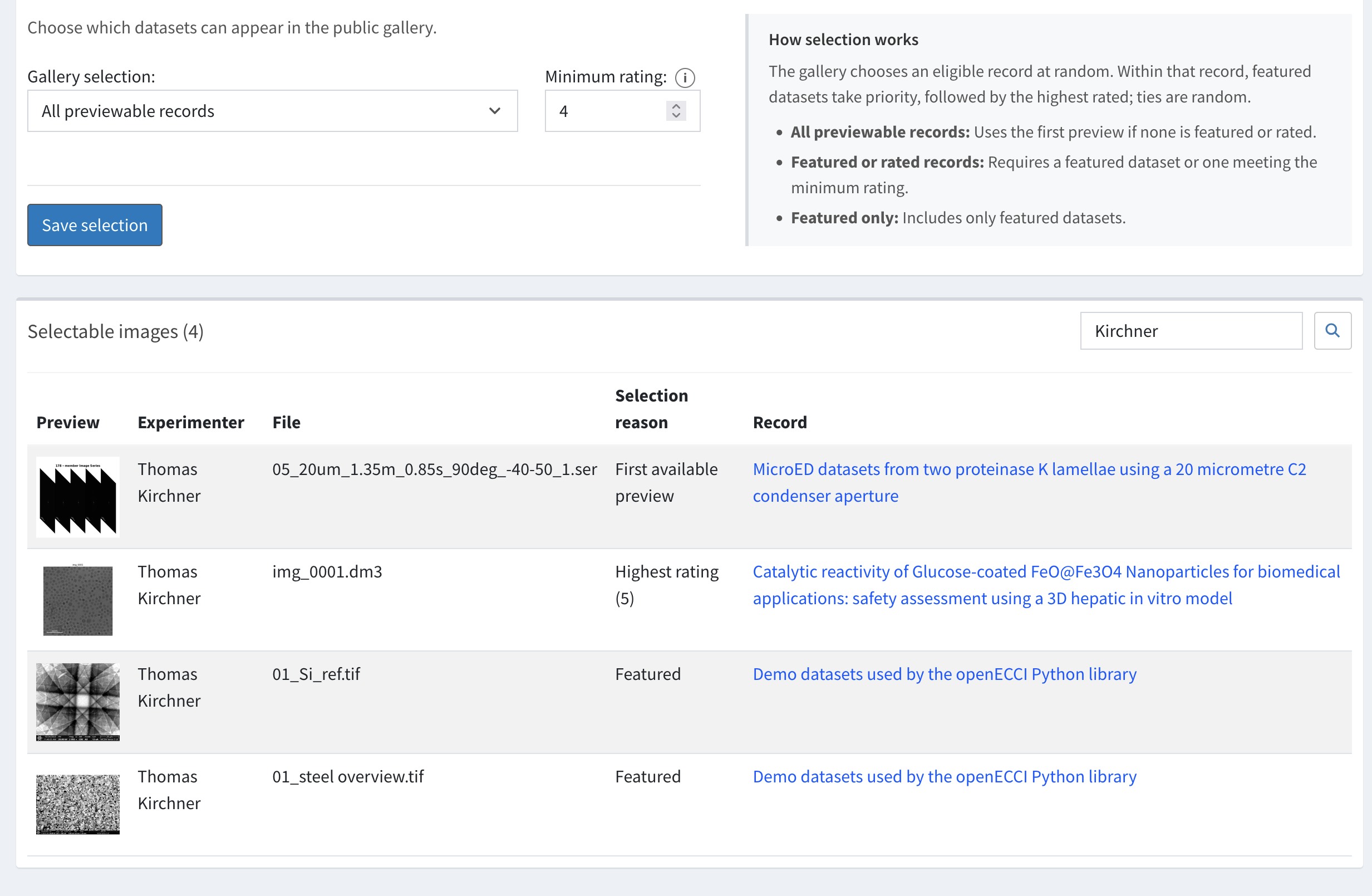
Gallery administration. Choose which datasets qualify and search the selectable images. Learn more.#
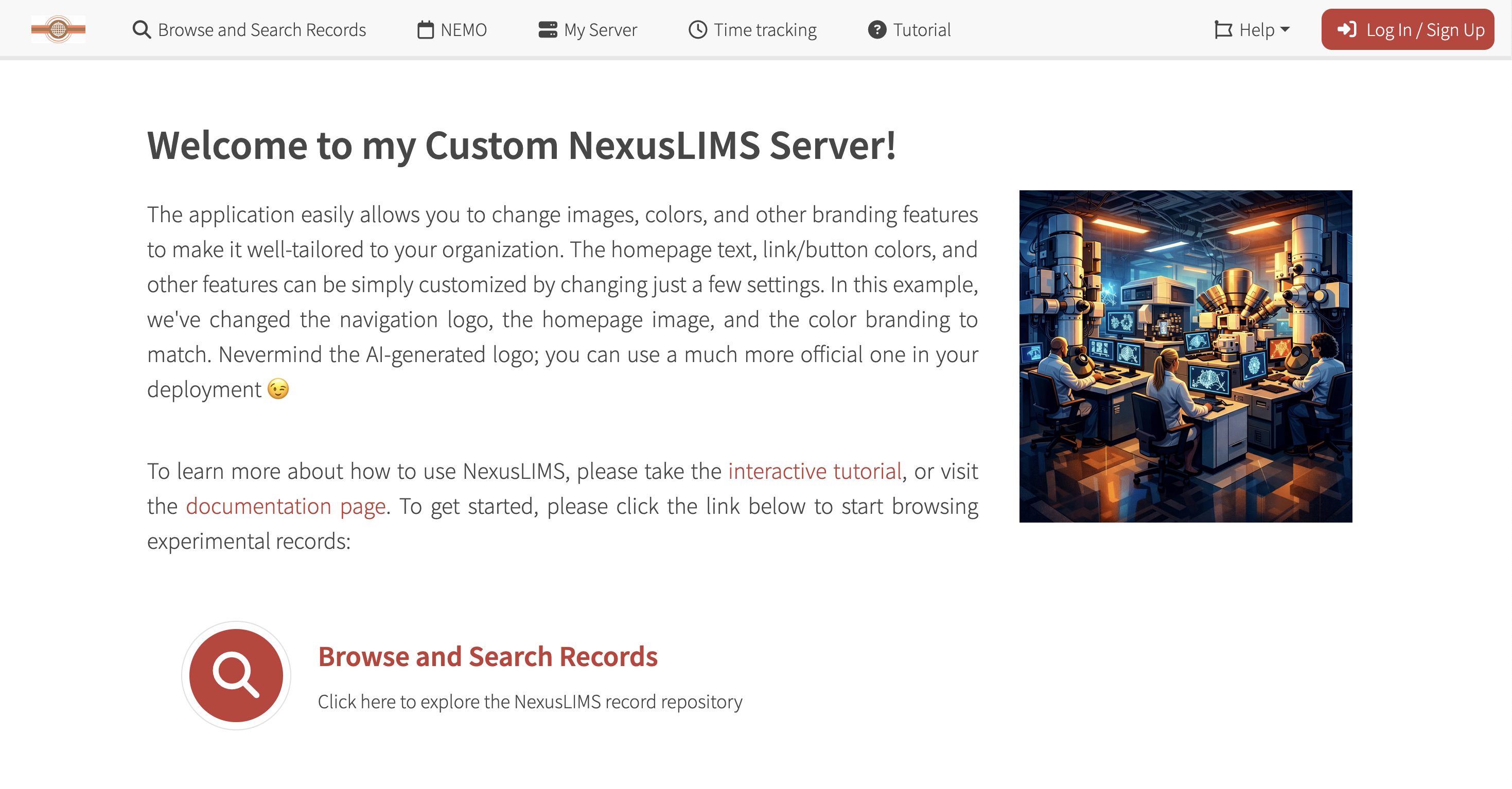
Branding and customization. Customize the appearance for your facility. Learn more.#