

Screenshot Gallery#
This gallery showcases the NexusLIMS-CDCS web interface, demonstrating key features and workflows.
Tip
Click any image to view it at full size.
Homepage#
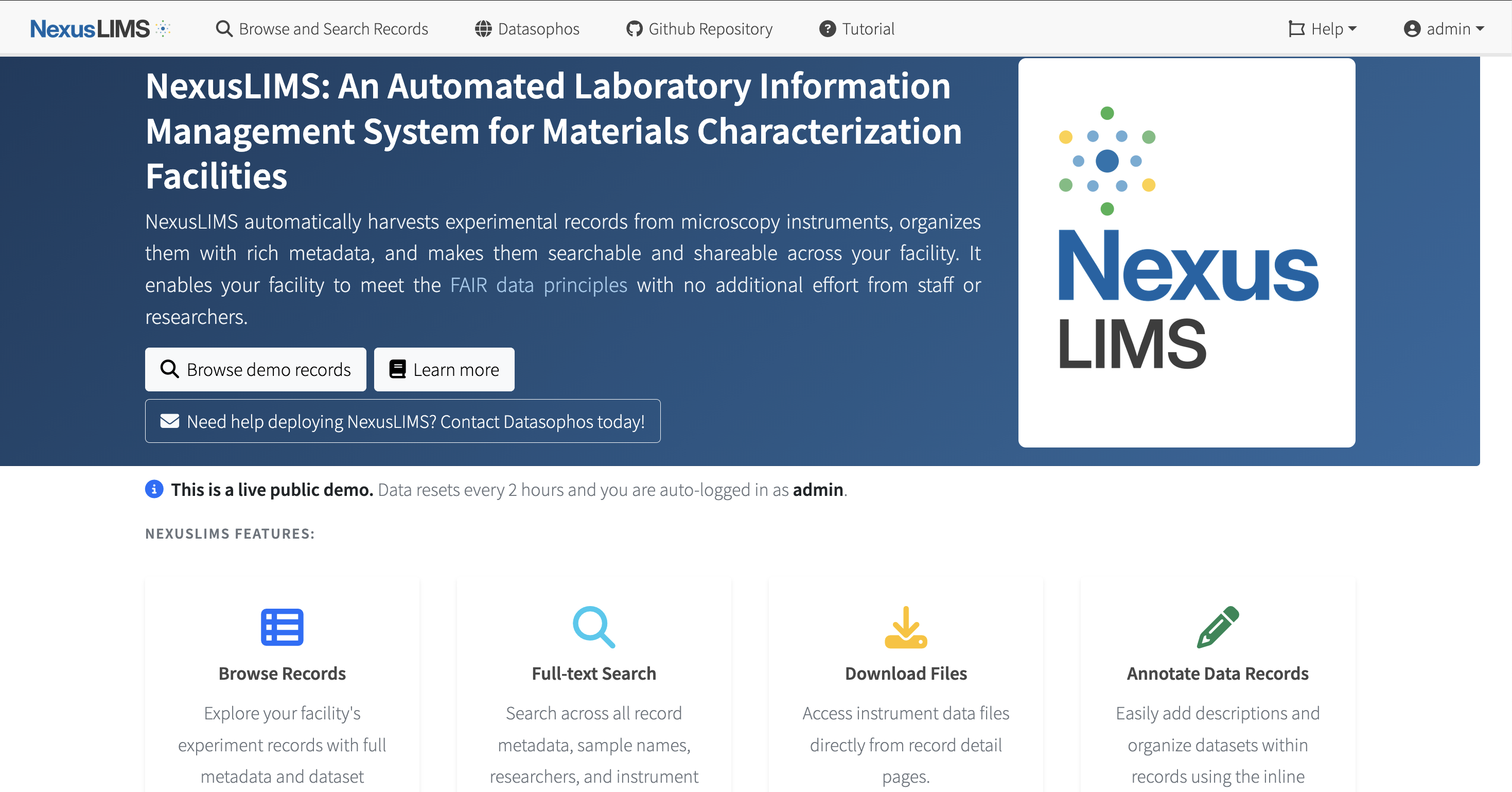
The main homepage welcomes users and provides a link to further explore records.#
Searching Records#
Explore page#
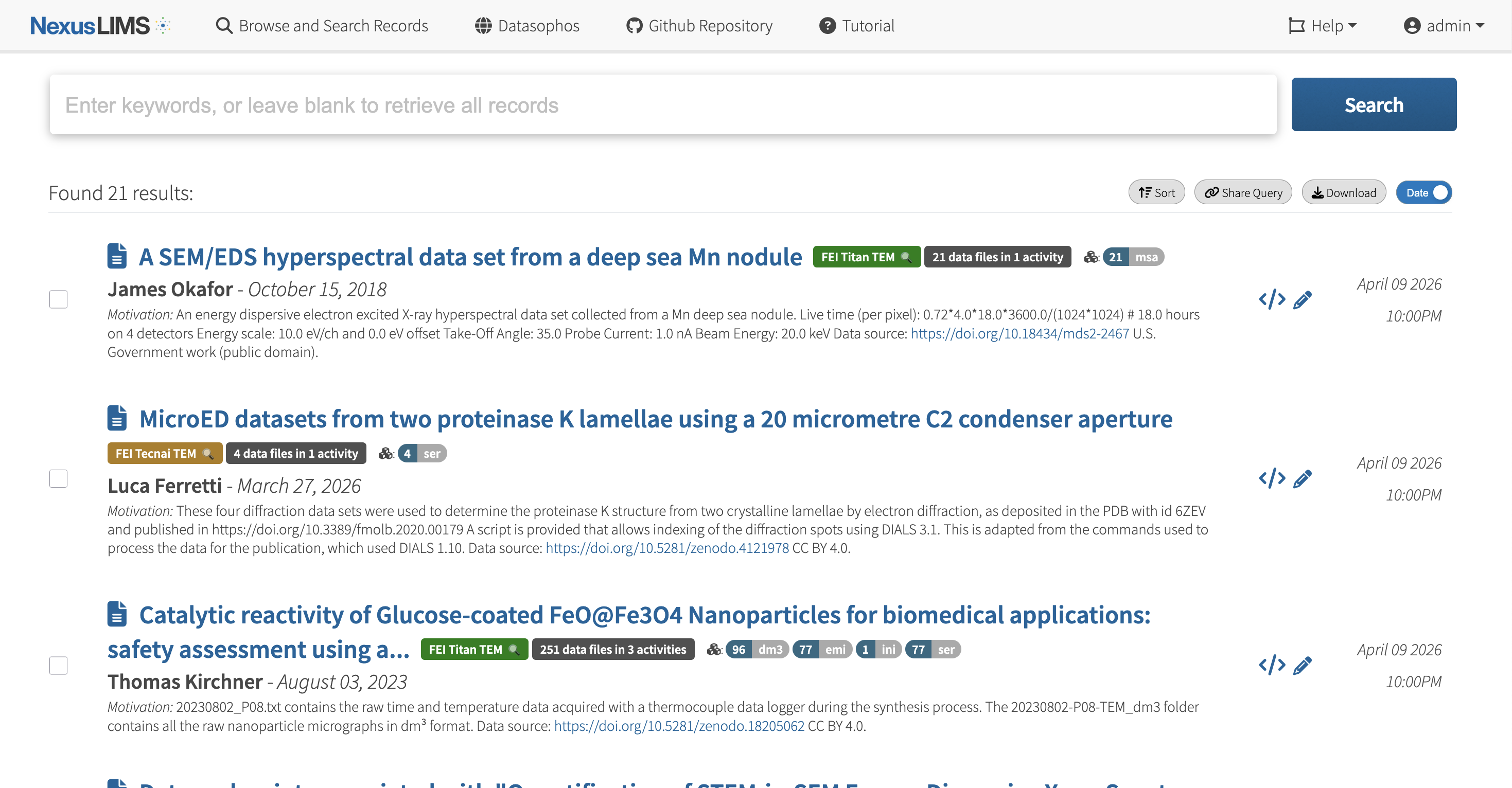
The explore page shows all records in the system by default.#
Keyword Search#
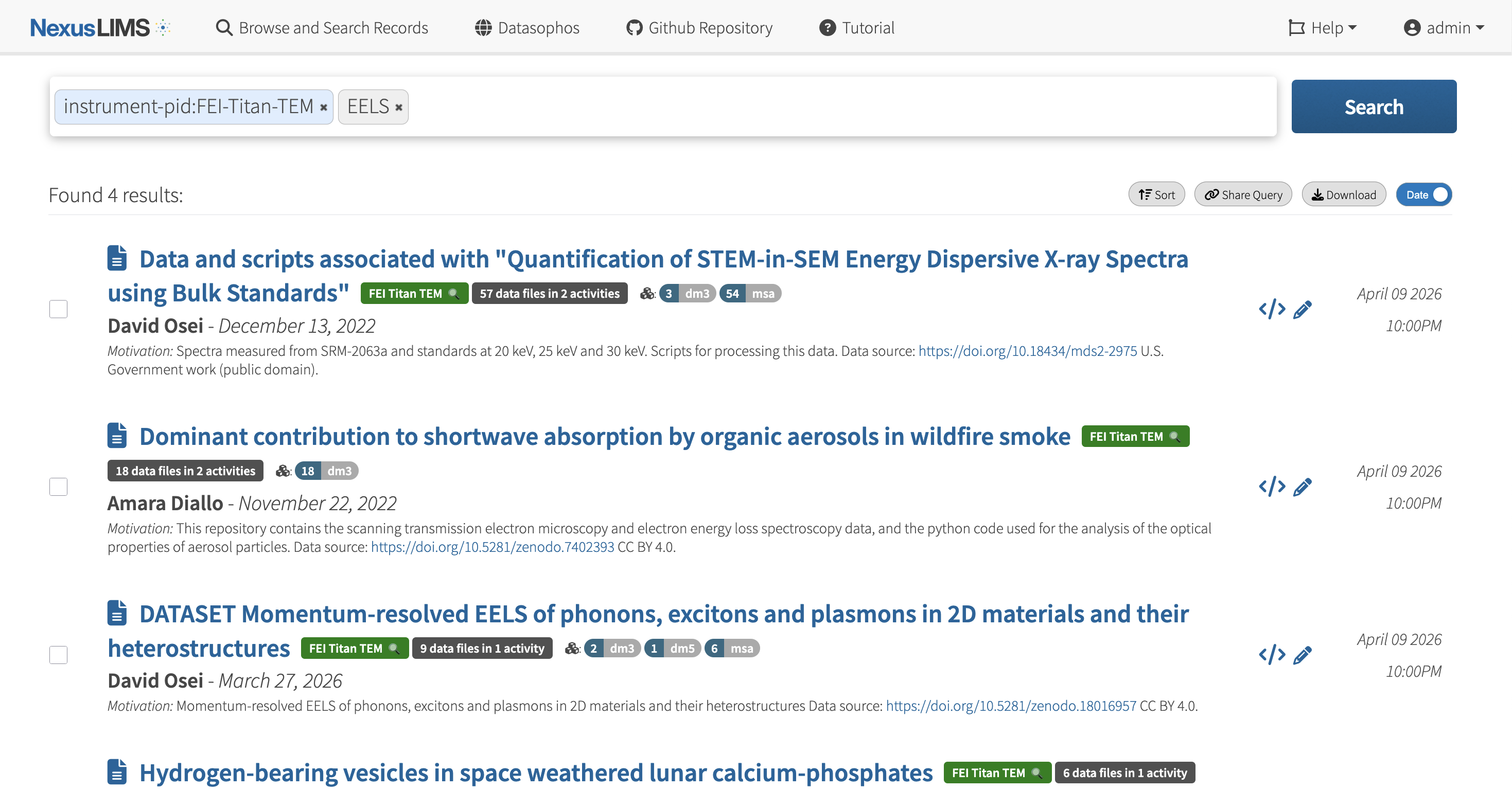
The search bar provides full-text keyword search across all experimental records.#
Viewing Records#
Record Detail View#
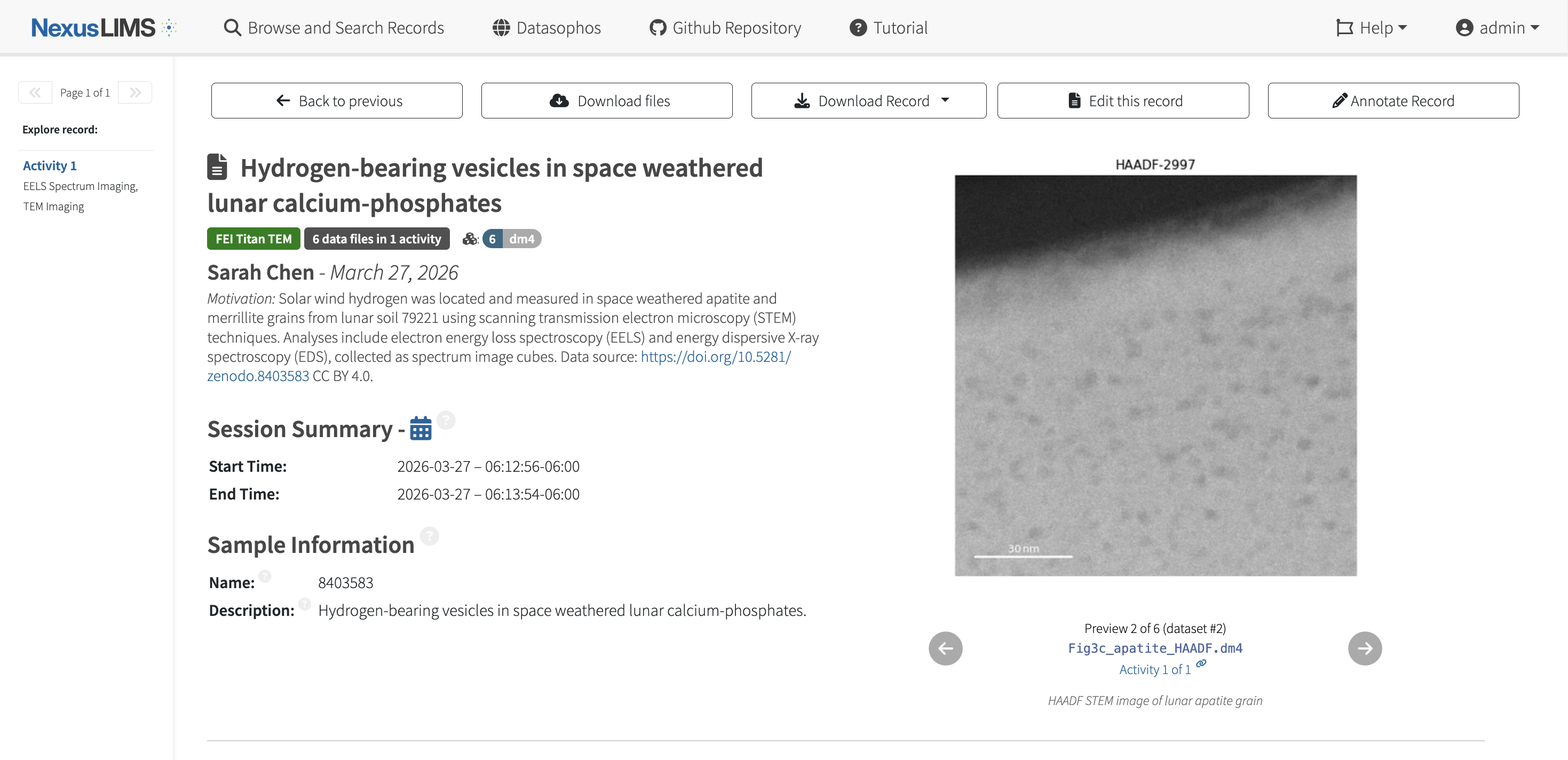
Full record view showing all metadata, preview images, and data file links.#
Acquisition Activities#
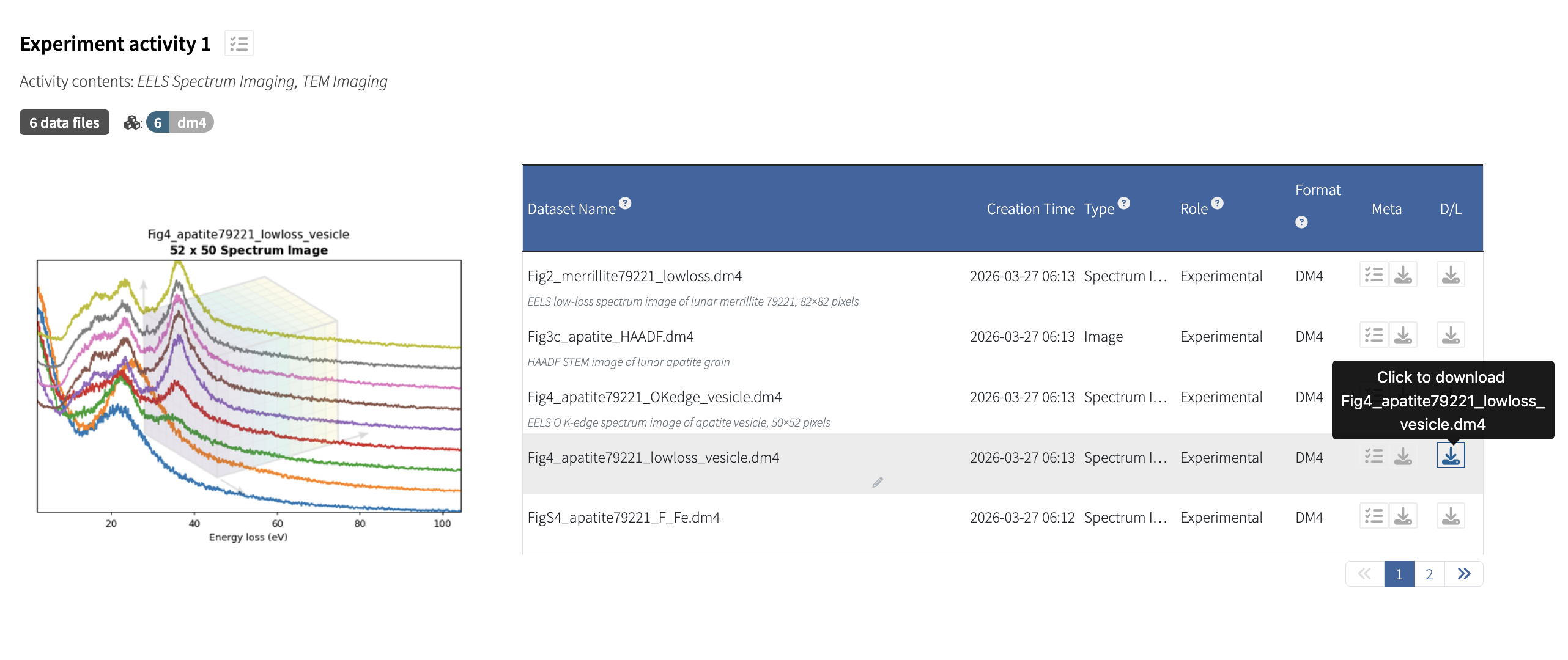
Acquisition activities showing grouped files and their metadata.#
Dataset Metadata#
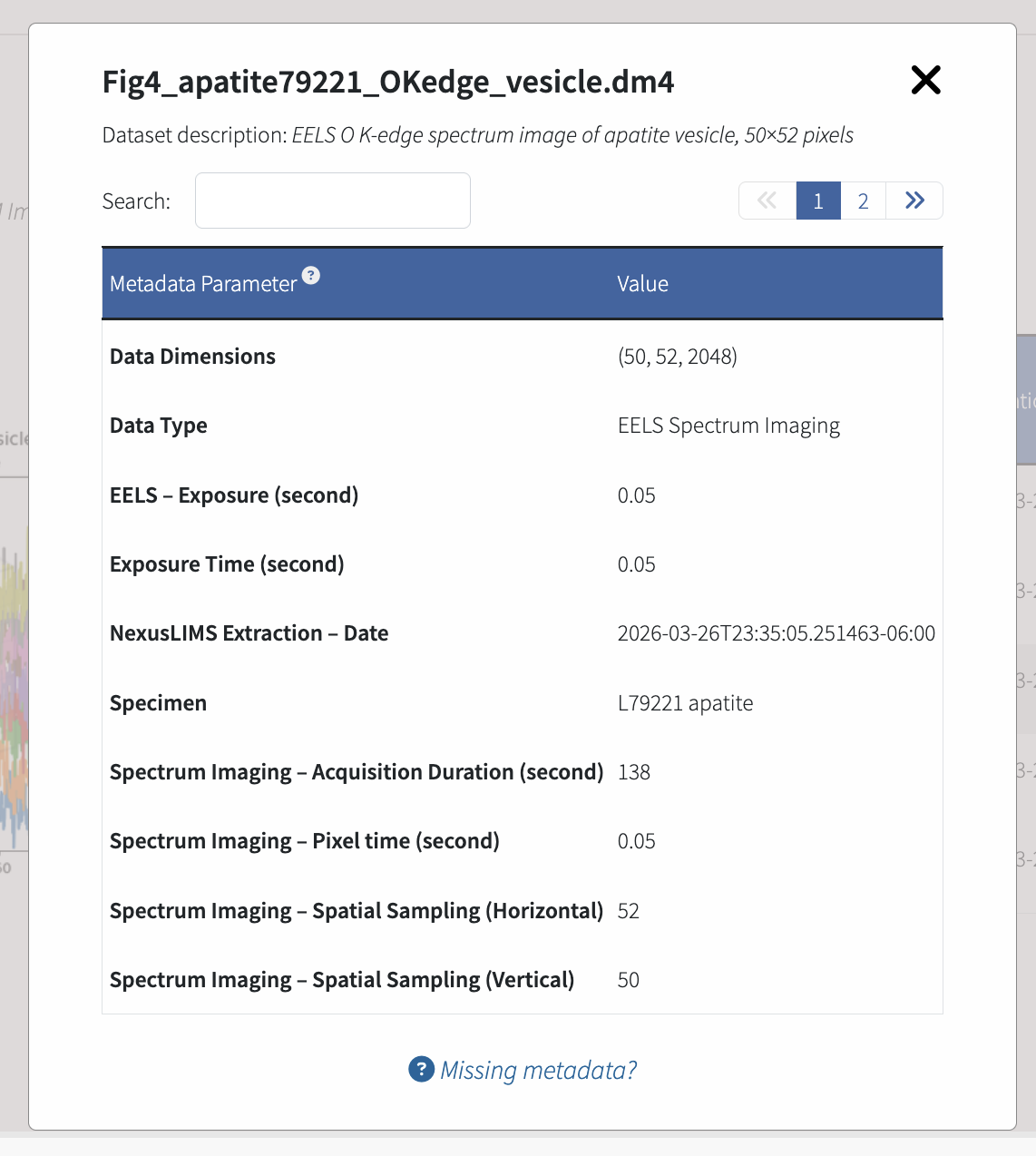
Display and filtering of technical metadata for individual datasets (voltage, magnification, etc.).#
Easy Data Download#
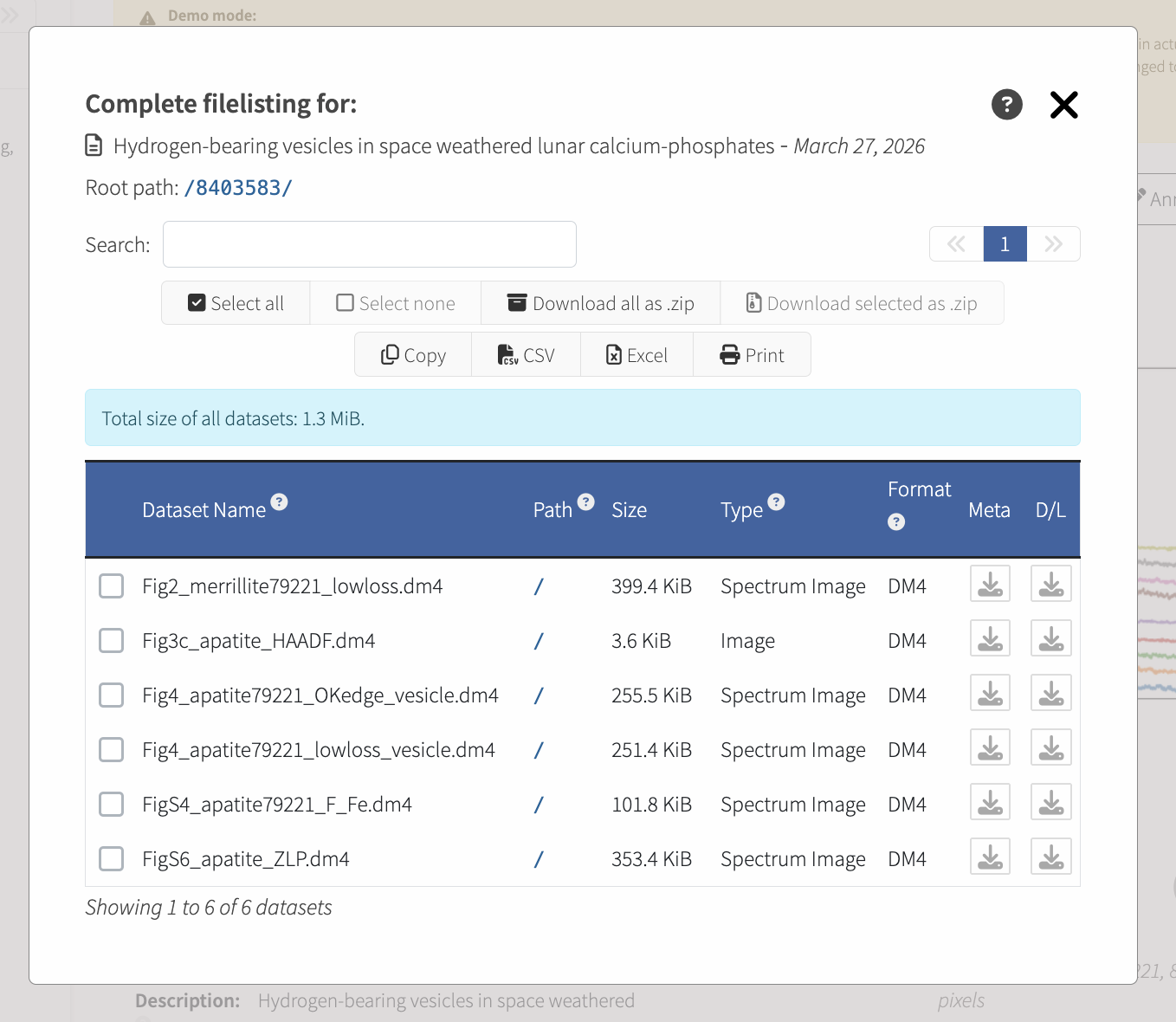
Data files and metadata can be downloaded in bulk using the file downloader tool.#
Simplified Display for Large Records#
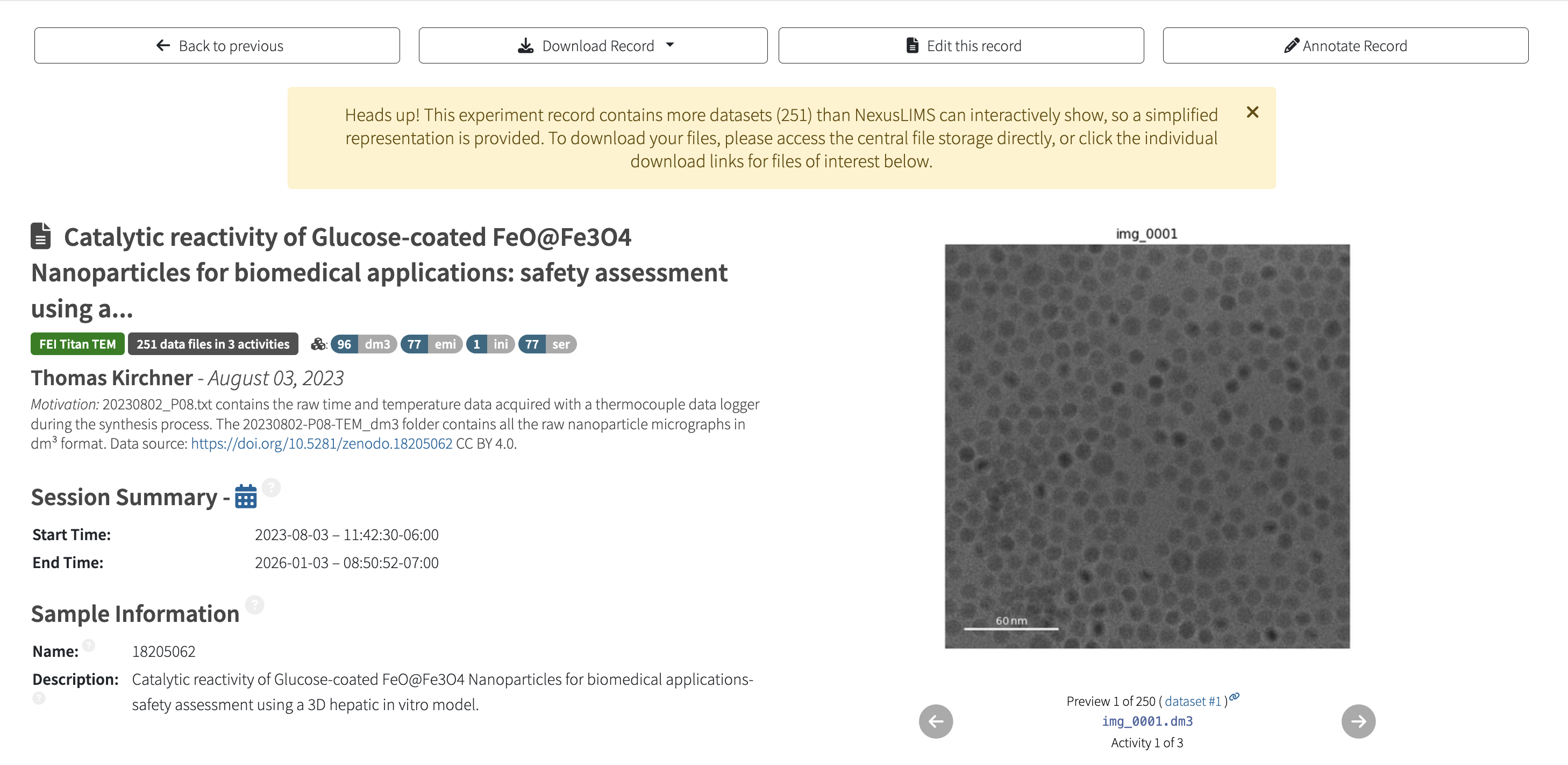
Large records can be displayed with a simplified view to keep the application performant.#
Record Annotation#
Annotate Record Panel#
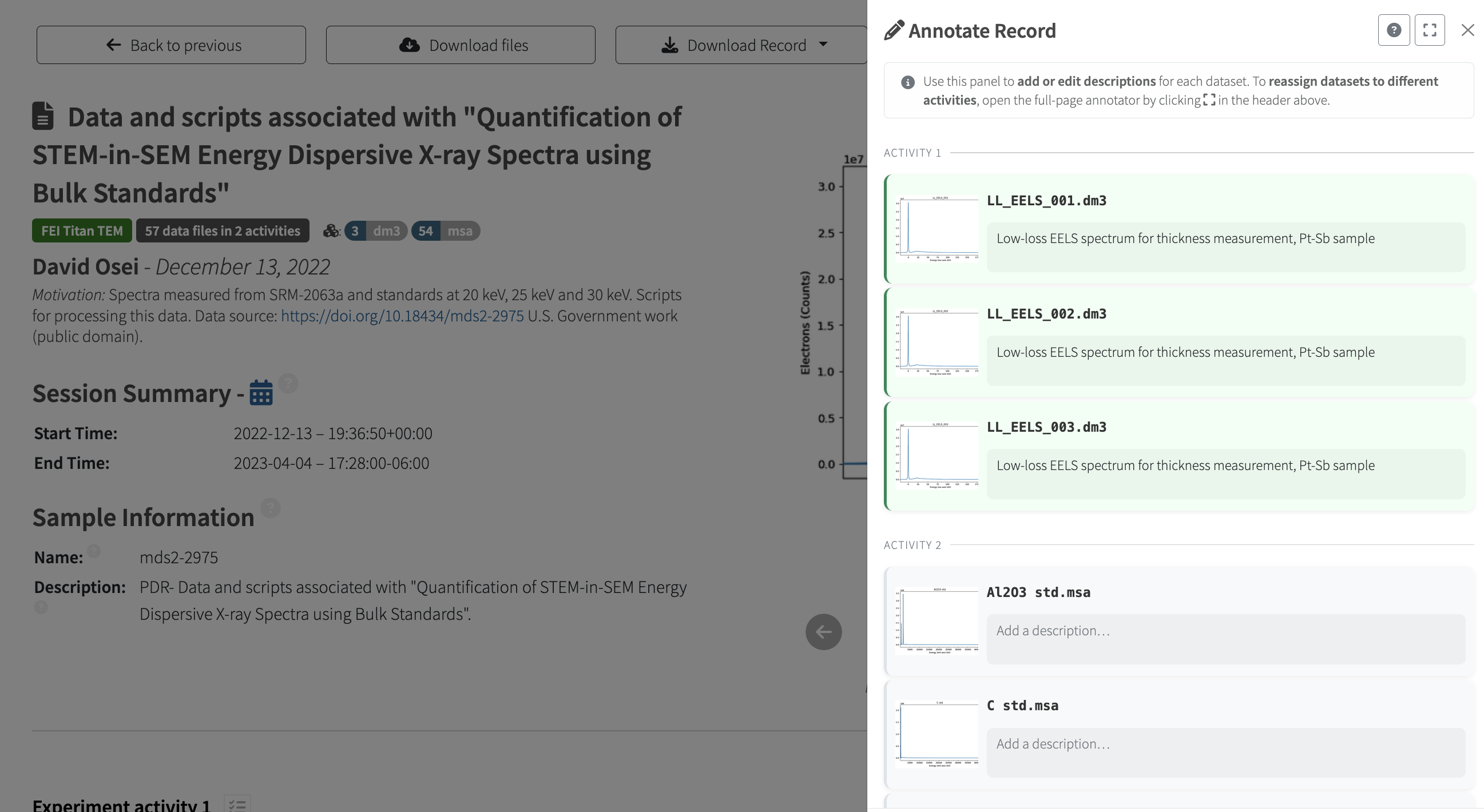
The Annotate Record side panel opens from the top action bar. Datasets are shown with preview thumbnails and free-text description fields, which can be customized to add context to your experimental record.#
Inline Dataset Editing#
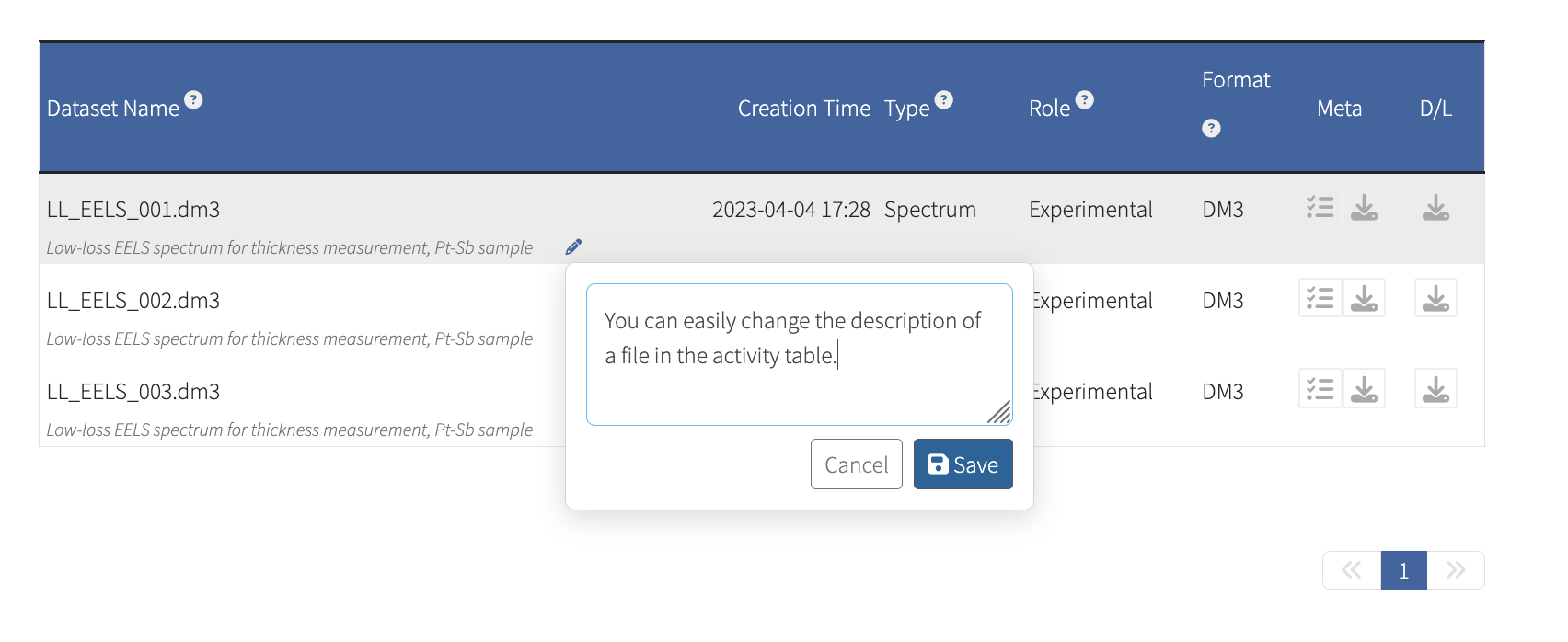
Hovering over a dataset row in an acquisition activity table reveals a pencil icon. Clicking it opens a floating popup for quick single-dataset description edits.#
Full-Page Editor#
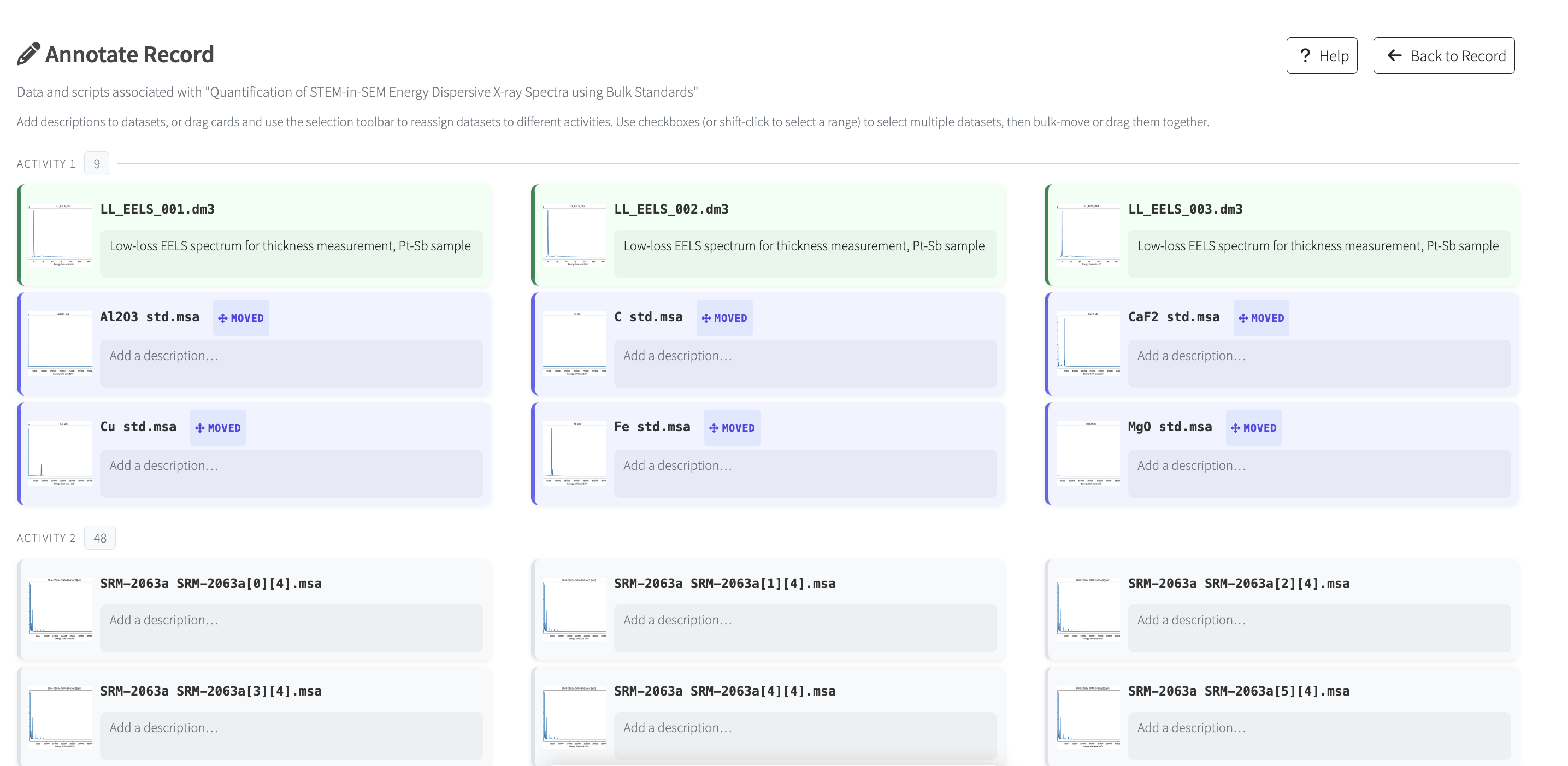
The expand icon in the side panel header opens the full-page. In addition to editing descriptions, the full-page editor supports reassigning datasets between acquisition activities within the same record.#
Branding and Customization#
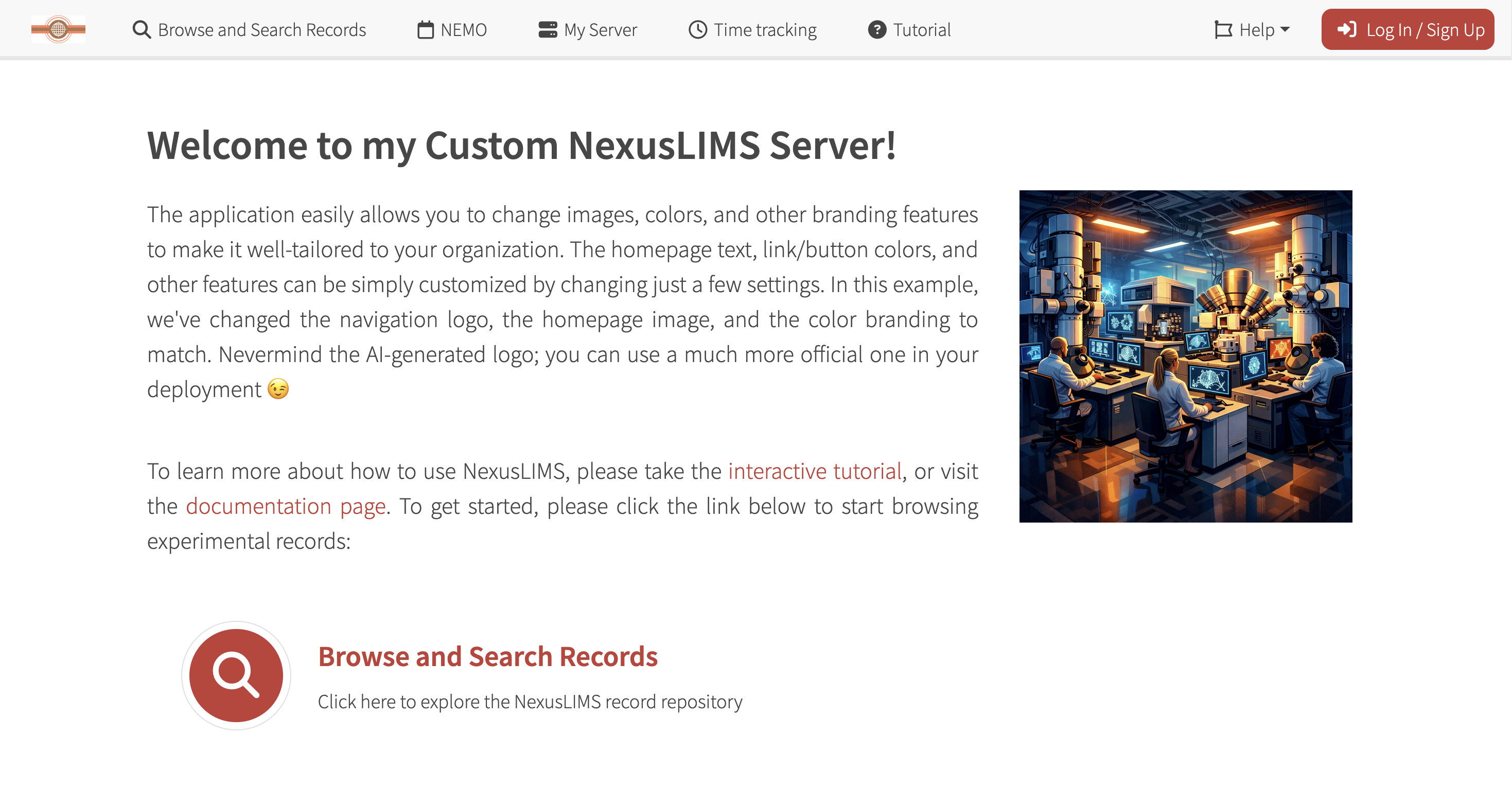
The application can easily be customized (see Branding and Customization for more details).#